What WhatsApp Integration Adds to WordPress
WhatsApp goes well beyond SMS, raising the bar for communication with features like text, photo, video, document and location sharing, plus voice and video calls. By adding WhatsApp integration to your WordPress site, you can put all of that to work for your business. How? It's simple:
- From your WordPress dashboard, go to the "Plugins" tab.
- Click "Add New."
- Type "WhatsApp" into the search bar and install the plugin you want.
With these few steps you can add your WhatsApp Business number, set up greeting messages and choose tailored designs for different devices.
The Benefits of WhatsApp Plugins
The advantages of WhatsApp integration include reach into a global user base, free international calls, ease of use and the simplicity of sharing media. On top of that, the fast communication WhatsApp enables is a real time-saver for customers.
WhatsApp Plugins for WordPress
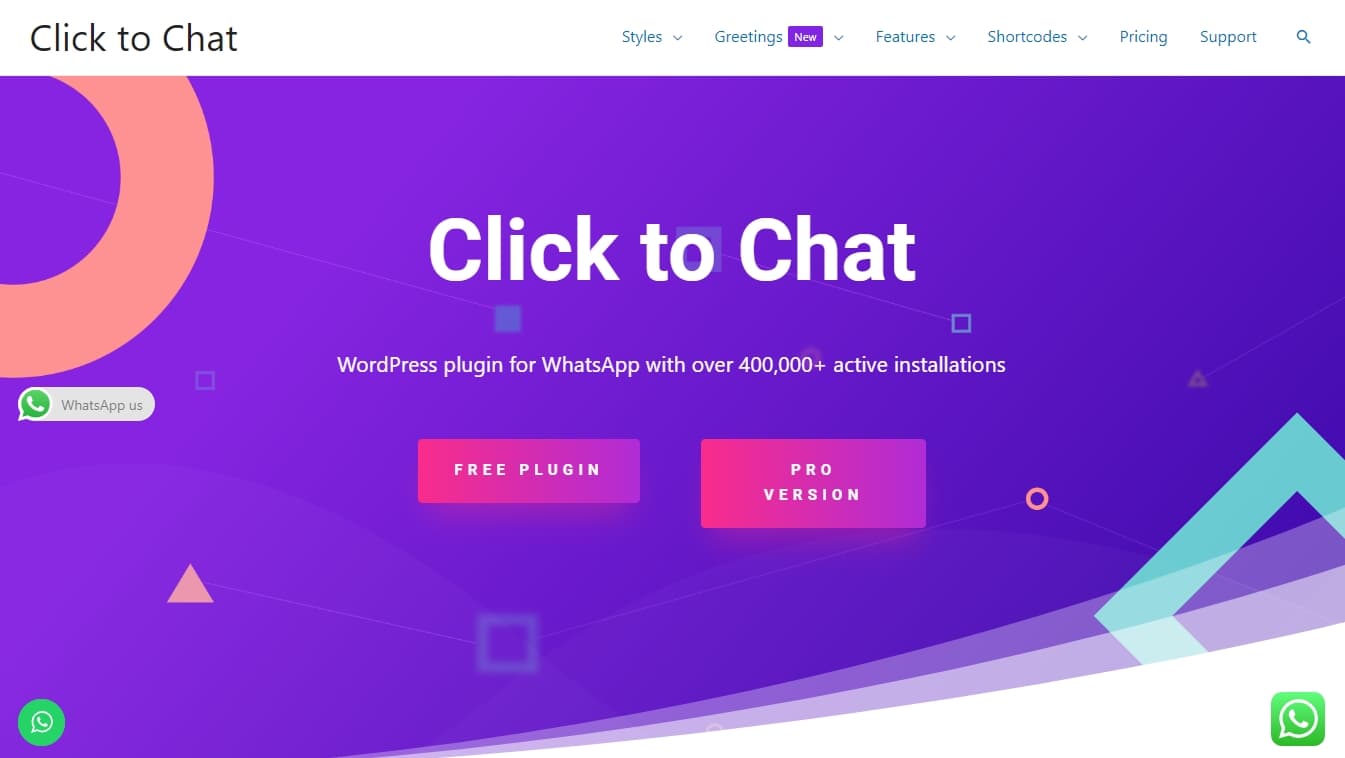
1. WhatsApp Click to Chat
WhatsApp Click to Chat lets users get in touch quickly over WhatsApp.
Key features:
- Lightweight and effective: its light footprint doesn't affect site performance.
- Customizable buttons: you can change the button's position and style.
- Multilingual support: it can be used in different languages.
2. WordPress WhatsApp Support
WordPress WhatsApp Support lets visitors on your WordPress site contact your support team directly.
Key features:
- Customizable templates: it offers 8 different templates and lets you add welcome messages.
- Flexible positioning: you can change where the pop-up appears.
- GDPR compliant: it meets requirements for protecting user data.
3. Cresta Help Chat
Cresta Help Chat lets users get in touch with a single click.
Key features:
- Simple and effective: a user-friendly, fast solution.
- Pro version perks: extras such as color and background changes.
- Flexible settings: you can use separate WhatsApp numbers for different page and post types.
4. WP WhatsApp Button
WP WhatsApp Button lets you add an interactive WhatsApp button to your website.
Key features:
- Detailed customization: colors, text and button positions can all be adjusted.
- User-friendly interface: clear and easy to use.
- Multiple template options: compatible with 18 different templates.
5. Join.Chat
Join.Chat is a WhatsApp plugin you can easily integrate into your WordPress site.
Key features:
- Easy to use: it can be activated quickly, with no coding knowledge required.
- Visual and functional customization: it supports various media types and lets users chat through their favorite apps.
- Broad compatibility: it works with popular apps like WhatsApp, Telegram and Facebook Messenger.
- Lightweight: it runs without affecting your site's performance.
6. WP Sticky Button – Click to Chat
WP Sticky Button offers a simple, effective way to communicate.
Key features:
- Simple to install and use: no complicated settings required.
- Customizable button: you can change its size, position and appearance.
- Flexible settings: it can be configured for different device types.
7. Chat Button by GetButton.io
GetButton lets your website communicate through messaging apps.
Key features:
- Multi-platform support: compatible with WhatsApp, Messenger, Viber and many more.
- Customization options: you can change the button's position and appearance.
- Scalable licensing: it offers license packages to suit different needs.
8. Chaty
Chaty is a plugin that lets WordPress sites communicate through multiple messaging platforms.
Key features:
- Multi-platform support: compatible with platforms such as WhatsApp, Facebook Messenger, Viber and Telegram.
- Customizable interface: features like widget position and color can be adjusted.
- User-friendly: it makes access and interaction easy for site visitors.
- Advanced targeting: it offers pop-ups that can be triggered by user behavior.
- Mobile and desktop compatibility: it runs smoothly on any device.
9. WP Chat App
WP Chat App connects your visitors to your support team instantly.
Key features:
- Fast, effective support: it enables quick, 24/7 assistance.
- Customizable interface: color options and components to match your brand.
- WooCommerce integration: it includes special settings for online stores.
10. WP Social Chat (Click To Chat App)
WP Social Chat lets you communicate through several support team members.
Key features:
- Multiple support agents: you can create separate welcome messages for different team members.
- Time- and location-based triggers: you can adjust the button's appearance based on user behavior.
- GDPR and WPML compatible: it meets EU data-protection standards and supports multiple languages.
Each of these plugins can help you communicate effectively over WhatsApp on your WordPress site, with the potential to improve the user experience and boost your conversion rates. By choosing the one that fits you best, you can increase both engagement and customer satisfaction on your website.


 Blog details